Day 14: it woke up and installed an email client
The brain is running.
Not “it boots” — running. An operating system on the SSD, on my WiFi, reachable from my desk with no cable attached but power. The robot’s own code built on it, and every one of its tests passing. That’s the first time any software from this project has executed on the machine it was actually written for.
I’m claiming that one. It took two days and I’d started to wonder.
What I hadn’t budgeted for was how much of those two days would go on explaining to a computer that it is not a computer.
Two hours of nothing at all
Last time I wrote, I’d got the board talking over three wires to a header hidden near the power LED. That worked. It let me install the operating system.
Then the setup wizard came up — language, keyboard, password, the usual — and I answered a few questions and it stopped.
Not crashed. Just stopped. I sat watching a line that said the setup process had been running for one hour and fifty-two minutes, with, and I quote, no limit.
It wasn’t stuck. It was waiting for an answer. It had simply decided to ask the question somewhere I wasn’t looking.
Because there are two ways to talk to this board, and they’re for different phases of its life. The old three-wire connection speaks from the very first instant of power, before anything is loaded. The other one only exists once the operating system is up — and that second one is where the wizard was patiently sitting, asking me to pick a keyboard layout, for the better part of two hours.
I plugged in the other cable. There it was. Waiting, the way it had been the whole time.
Then it installed an email client
Here’s the part I still find funny.
While I was setting the machine up, it quietly installed Firefox and Thunderbird. On its own. Without being asked.
This is a computer with no monitor. No keyboard. No mouse. It lives on a shelf and its entire purpose in life is to look at a camera and move a motor arm. And its package manager, unprompted, decided that what this machine needed was a web browser and a mail client.
I keep picturing it. Sitting there in the dark, no screen, no way for anyone to ever see the pixels it might draw — with a fully installed email client, waiting for correspondence that will never arrive.
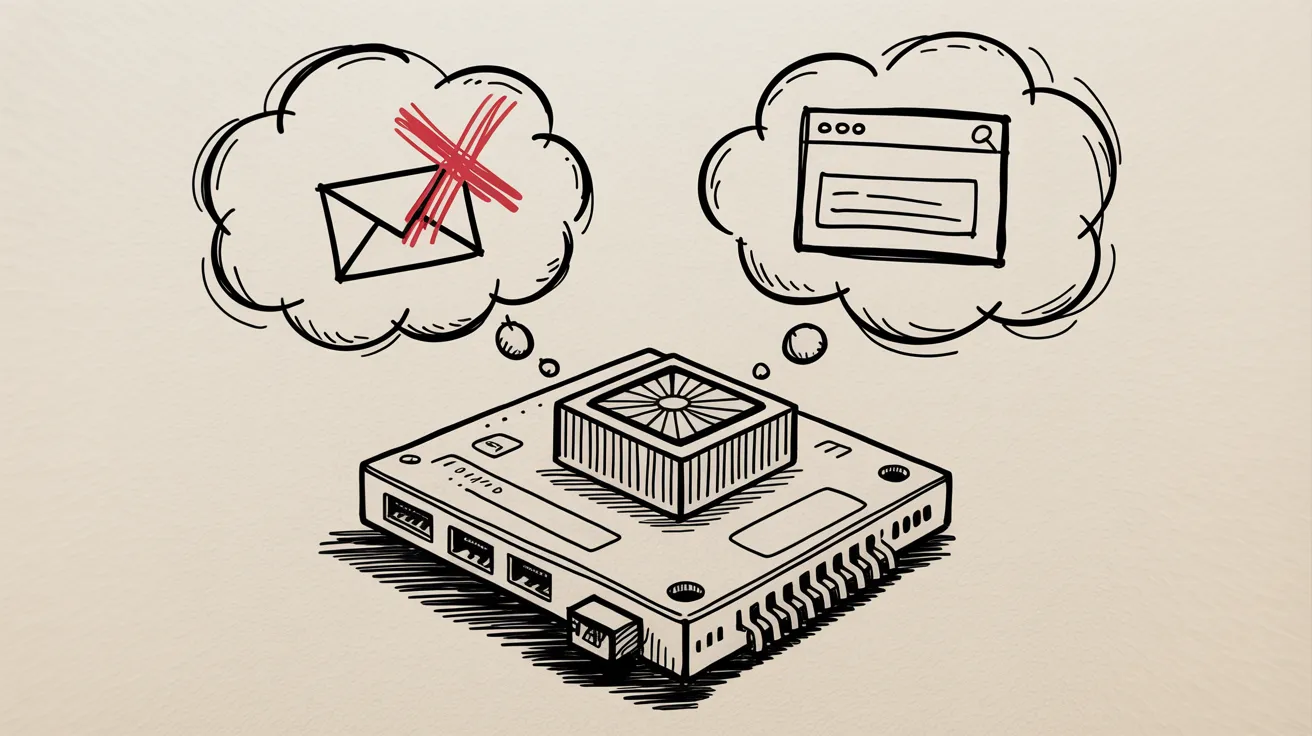 It has never seen a monitor. It has opinions about email anyway.
The drive was for video
The full haul — browser, mail client, a desktop graphics stack, a set of window themes — came to about six gigabytes.
Now, I have plenty of space. That’s not the argument. The argument is that I chose that drive specifically because this robot is going to record what its camera sees, and video is enormous, and I did not want to be deleting recordings to make room for anything. I bought it for footage. Not for a browser that will never render a page.
So I took it all out. Six gigabytes back, and — more to the point — one fewer background process that wakes up on its own schedule and restarts things while I’m not watching. That’s fine on a laptop. On a machine running a control loop it’s just something waiting to happen at the worst moment.
The whole exercise had a theme, really. The board arrives assuming it’s a small desktop PC. Every default it ships with is a desktop default. And the entire job of setting it up is patiently going through and telling it: no, you’re not that, you’re going to be a robot.
And then it just worked
Software installed. Robot code copied across. Build it, run the tests.
Twenty tests. All passed.
Which is a strange thing to feel emotional about — a line of text saying zero failures — but that code was written months ago against a machine that didn’t exist yet, for hardware sitting in boxes, in a language version I was guessing at. It had never once run on the thing it was for.
Now it has, and it works.
The camera is next. It’s been in its box since it arrived, waiting for a brain to plug into.
And I’ll be watching which port it decides to talk on.